
Kate finds important documents for you
- No more endlessly searching through piles of papers
- Everything in one place in KBC Brussels Mobile
- Immediate access to the certificates you need
How to ask Kate:
- Open KBC Brussels Mobile and start a conversation with Kate.
- Ask your question in plain language, for example: ‘Kate, find my home loan certificate’ or ‘Kate, find my certificate of insurance’.
- Easily share the document with your accountant or use it for your tax return.
Want to try Kate but don't have KBC Brussels Mobile?
For Android
Step 1: Scan the QR code shown and install KBC Brussels Mobile or go to Google Play on your phone and install KBC Brussels Mobile
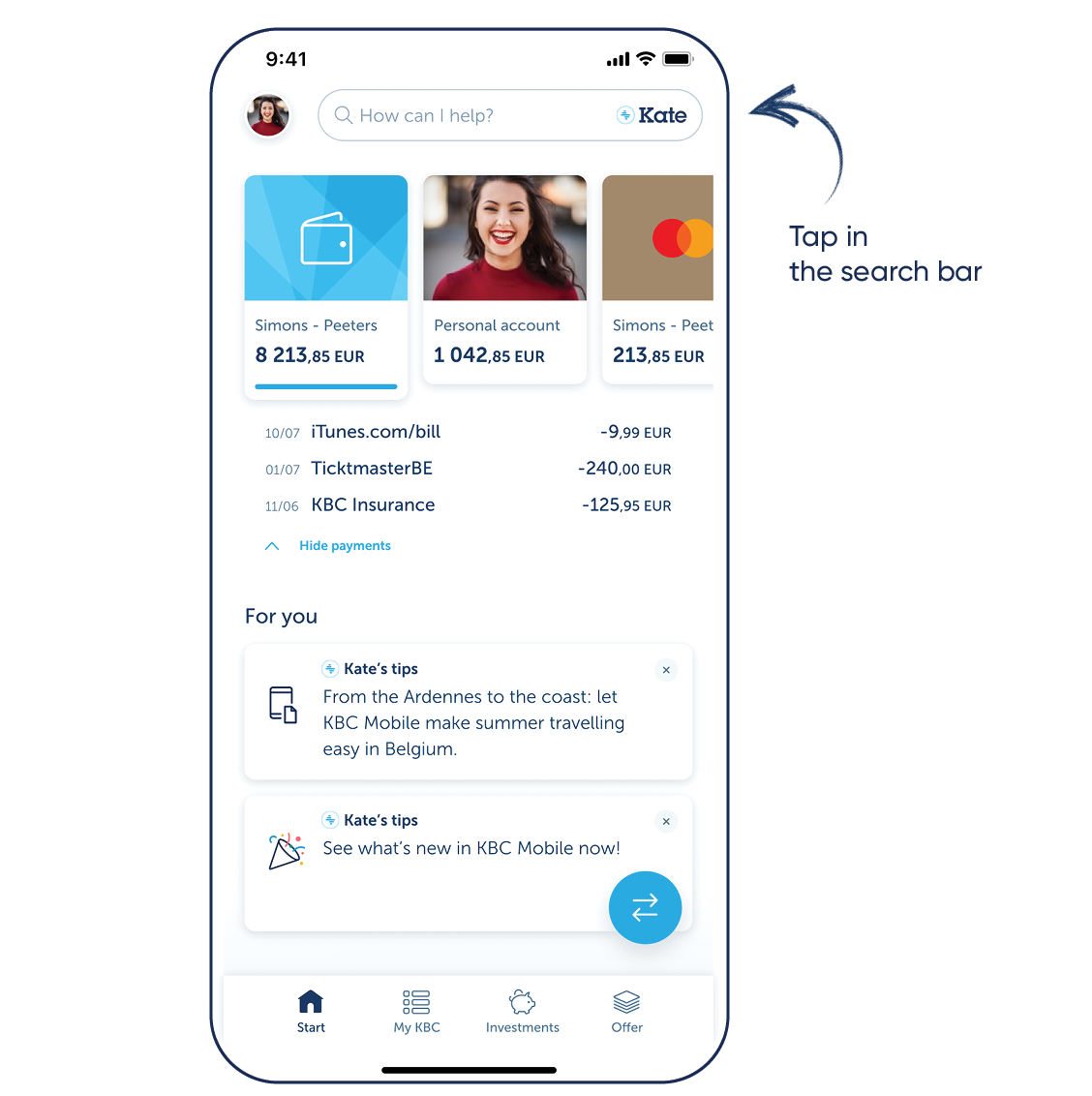
Step 2: Log in to KBC Brussels Mobile and tap the search bar at the top
For iPhone
Step 1: Scan the QR code shown and install KBC Brussels Mobile or go to the App Store on your phone and install KBC Brussels Mobile
Step 2: Log in to KBC Brussels Mobile and tap the search bar at the top
Download KBC Brussels Mobile
Open the app and follow the instructions. Tap the search bar at the top to talk to Kate.

Download KBC Brussels Mobile
Open the app and follow the instructions. Tap the search bar at the top to talk to Kate.