


Don't have a KBC account? Here's how to start using KBC Brussels Mobile
Getting started with the KBC Brussels Mobile app is really easy. And the great thing is you can install and activate it in no time!
Why install the new KBC Brussels Mobile app?
We’ve made KBC Brussels Mobile even more convenient and relevant for you. Even if you don't have a KBC Brussels Current Account!
Even more options for you:
- Put questions to Kate, our smart digital assistant
- Be the first to discover all the new features in the app
- Take advantage of additional services such as buying tickets for De Lijn and managing group expenses
- Get handy overviews including:
MyHome: everything for your home, all in one place
MyMobility: the smart way to arrange your mobility
How to install KBC Brussels Mobile
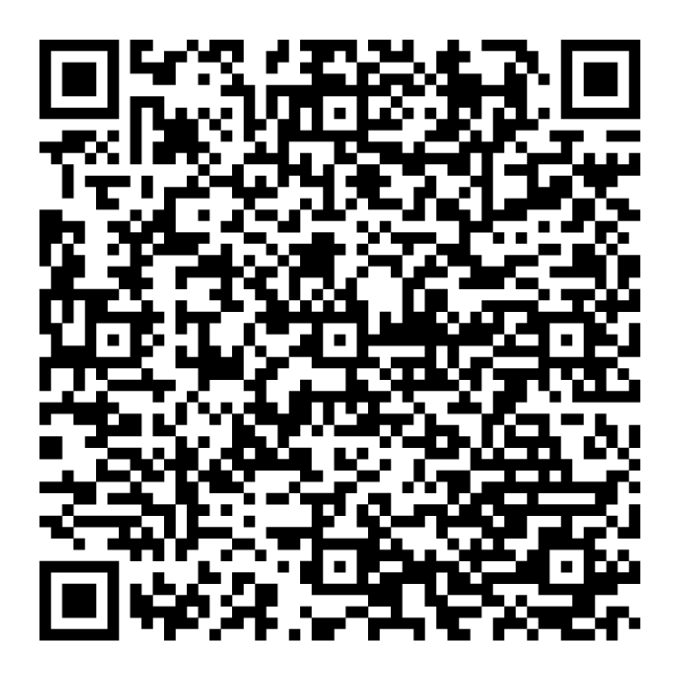
Installing KBC Brussels Mobile on an Android device
- Go to the Google Play Store to download KBC Brussels Mobile
- Log in using itsme®
- Accept the terms of use and follow the steps
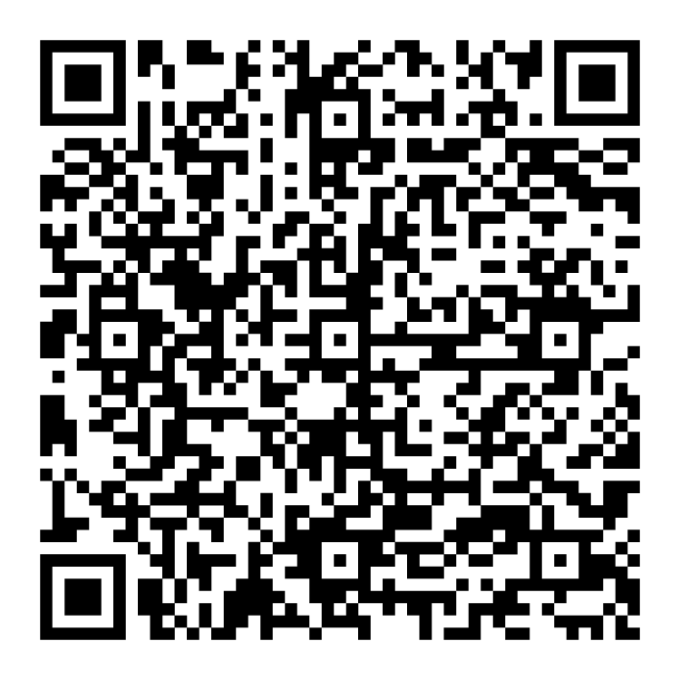
Installing KBC Brussels Mobile on an iPhone
- Go to the Apple App Store to download KBC Brussels Mobile
- Log in using itsme®
- Accept the terms of use and follow the steps
Download KBC Brussels Mobile
Open the app and follow the instructions. Tap the search bar at the top to talk to Kate.

Download KBC Brussels Mobile
Open the app and follow the instructions. Tap the search bar at the top to talk to Kate.